Uncategorized
When a Custom Gaming Mouse Pad Is Worth Buying
Jul
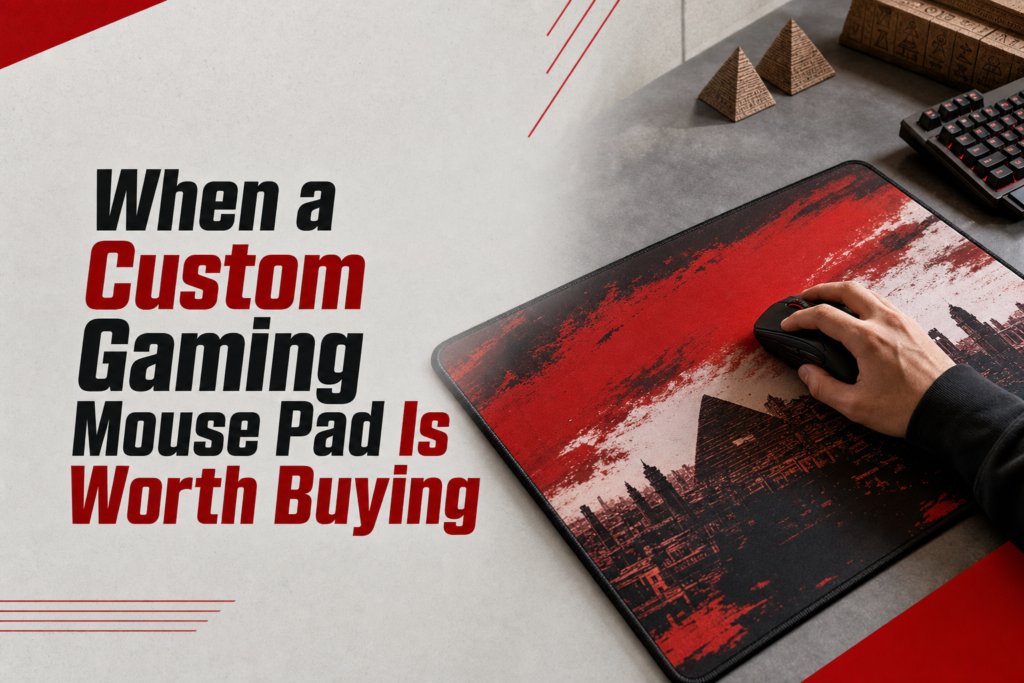
gaming mouse pad custom is worth buying when you want two things at once: a surface that genuinely suits how you aim and a setup piece that looks like it belongs on your desk, not borrowed from a generic office. The smart decision is not about personalization alone. It is about surface performance, desk-fit, print durability, and whether the pad gives you more usable space or just more visual noise. If you want a quick rule, buy custom when the pad improves your mouse movement, fits your keyboard layout, and adds identity without compromising glide, control, or cleaning.
What makes a custom gaming mouse pad different from a regular one?
A custom gaming mouse pad differs from a regular one in one practical way: the artwork is part of the buying decision, so you have to judge both performance and presentation together. A plain pad is usually chosen on speed, texture, thickness, and price. A custom pad adds print area, color handling, and design placement, which can improve your setup or ruin it if the surface coating, edge finish, or image quality is poor.
When is a custom gaming mouse pad worth buying? It is worth buying when the pad gives you the right surface feel, enough room for your sensitivity, a stable rubber base, and a design you would still want on your desk every day. If any one of those fails, a plain pad is the safer purchase.
Print area and personalization options
The real advantage is not simply adding a logo or meme. The advantage is controlling how much of the desk the design occupies and whether the visual theme matches the rest of your setup. A full-bleed desk mat makes a stronger statement than a small center print, but it also makes flaws more obvious. Low-resolution art, muddy blacks, and oversaturated reds look cheap fast, especially under monitor light.
Good personalization also respects use zones. If the busiest part of the gaming mouse pad design sits exactly where your eyes rest or where your mouse tracks most often, it can feel distracting. Cleaner art under the mouse area and bolder art near the keyboard side usually ages better in daily use.
Surface feel versus standard desk mats
Surface feel matters more than customization. Many custom pads use a cloth top over a rubber base, but cloth is not one thing. Some weaves feel smooth and quick, letting the mouse glide with less resistance. Others feel slightly textured and slower, which helps stop the mouse more precisely. A custom print does not automatically make the pad slower or faster, but the top treatment used to hold the print can change how the mouse skates interact with the surface.
A standard desk mat can sometimes outperform a custom one simply because it prioritizes consistency over artwork. That is why the right comparison is not custom versus regular as categories. It is one surface type versus another, with print quality added on top.
How the design affects everyday use
Design affects use in three ways: visual fatigue, visible wear, and maintenance. High-contrast artwork hides dust better than solid black, but it can make crumbs and frayed spots harder to notice until the pad feels dirty. Very light prints show stains sooner. Busy patterns can also make your desk look cluttered even when it is clean, which matters if the pad already covers most of the workspace.
If your setup leans into themed gear, posters, and bold merch, a custom pad can tie the whole station together better than another plain rectangle. That is where setup aesthetics become part of value, much like matching your desk accessories with your wall pieces in competitive gaming room decor.
Which play styles benefit most from a custom mouse pad?
The play styles that benefit most are low-sensitivity aimers, control-focused players, and gamers who treat the desk as part of their identity. The reason is simple: these buyers actually use the full surface, notice texture differences, and care whether the pad visually matches the rest of the setup. If you play at high sensitivity on a tiny mouse area and do not care how the desk looks, customization adds less real value.
Fast flick aiming and low-friction movement
Fast flick players benefit most when the pad offers a smooth, consistent glide across a wide horizontal area. In shooters, large arm movements expose every weakness in the mouse surface: uneven stitching, drag near printed seams, or a base that shifts during hard swipes. A custom mouse pad for gaming makes sense here only if it is large enough for your full tracking pattern and the print layer does not create a sticky feel.
Low-friction players should be especially picky about edge stitching. Thick or raised stitching can catch the wrist during repeated lateral movement. Flat stitched edges or clean cut edges usually feel better if your forearm rests partly on the pad.
Control-heavy games that need steadier tracking
Control-heavy players benefit when the surface has a little more stopping power. MOBA, RTS, and tactical players often do not need the fastest glide. They need predictable micro-adjustments and a surface that does not feel slippery as the hand slows down. Slightly textured cloth can help with that because it gives more feedback through the skates.
This matters beyond shooters. If you split time between strategy titles and ranked multiplayer, your mouse pad choice should support steadiness during long sessions, not just speed during highlight moments. That is the same reason play-style matching matters in other gear decisions, like in gaming headsets vs gaming earbuds for different play styles.
Desk setups where the pad doubles as visual identity
A custom pad is especially worthwhile when the desk is part of your gamer identity. Stream-style setups, themed battlestations, and game-specific spaces gain more from personalization because the pad is always visible. In those cases, the pad is not just a mouse surface. It is a branding layer that links your keyboard, wallpaper, lighting, and other merch.
- If your setup is minimal and neutral, a plain pad usually gives cleaner value.
- If your setup already includes themed accessories, a custom pad creates stronger cohesion.
- If you rotate games and aesthetics often, choose a design that references gaming culture broadly rather than one seasonal joke you may outgrow.
What do people usually ask before ordering a custom mouse pad?
The most common questions are about speed versus control, desk-mat sizing, print durability, and whether custom pads are actually practical. The short answer is yes, they can be practical, but only when the base, surface, and size are right for your use. Here are the questions that usually decide the purchase.
Is a custom mouse pad good for competitive gaming?
A custom mouse pad is good for competitive gaming if the mouse surface is consistent, the rubber base does not slide, and the size matches your sensitivity. Competitive performance comes from glide, stopping power, and stability, not from whether the pad has artwork. A bad custom pad is worse than a plain good one.
Should you buy a full desk mat or a smaller mouse pad?
A full desk mat is the better buy when you want one unified surface under both keyboard and mouse, need extra horizontal movement room, or care about setup aesthetics. A smaller pad is better when desk space is tight, cleaning needs to be fast, or your keyboard and accessories already fill most of the surface.
Do printed mouse pads wear out faster?
Printed mouse pads do not automatically wear out faster. Printed mouse pads wear badly when the top layer, ink bonding, or edge finishing is weak. Better custom pads keep color and texture more evenly because the print is integrated into the cloth surface rather than sitting as a fragile top film.
What is the best buying rule before ordering?
The best buying rule is simple: buy custom only if you can say yes to all three points. The pad fits your real desk layout, the surface matches your play style, and the design still makes sense when the monitor is off. If one of those fails, go plain and spend the money elsewhere.
If you are still undecided, do one practical check before checkout: clear your desk, place your keyboard where you actually play, and map your mouse path with your forearm. If the pad size works, the surface type matches your game mix, and the artwork strengthens the setup instead of shouting over it, buy the custom option. If not, choose the plain mat and upgrade another part of the station first.
